

In short: SaneBox is best for busy people with overflowing inboxes who want incoming mail automatically sorted into folders by importance, without switching email apps. It costs $9.49 to $42.99 per month billed monthly, with Snack, Lunch, and Dinner plans and a 7-day free trial. Its main alternative is Fyxer.
Pricing checked Nov 14, 2026 — official pricing.
Product preview
Screenshots
01
About SaneBox
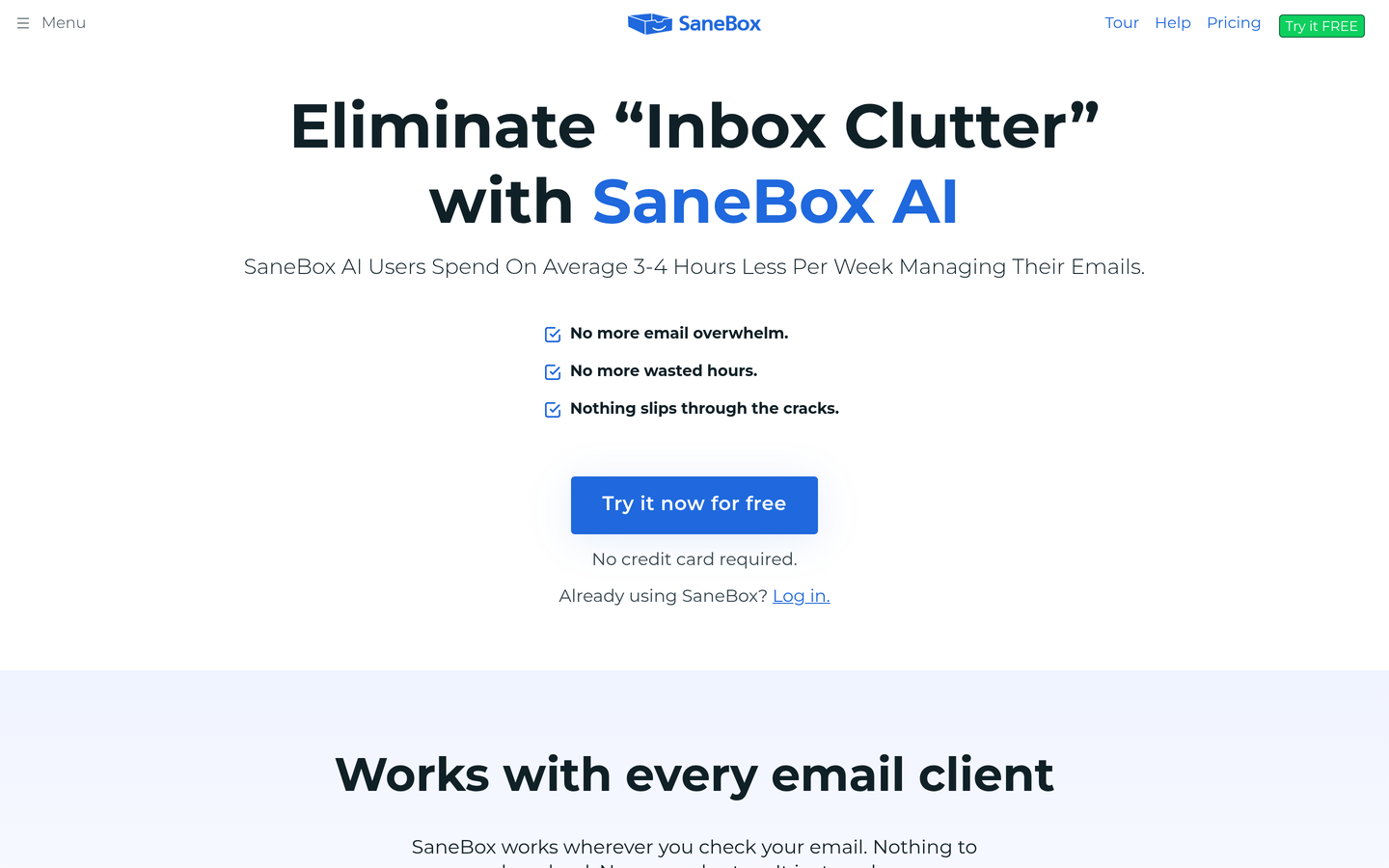
SaneBox is an AI email management service that automatically sorts incoming mail into folders by importance, saving users 3-4 hours a week on email. Its AI Bundle drafts replies in your voice, summarizes any folder, surfaces emails awaiting a reply, and condenses the daily Digest, while BlackHole, Snooze, Reminders and the Daily Digest keep distractions out of the inbox across Gmail, Microsoft 365, iCloud, Yahoo and any IMAP or Exchange account.
Hellasi is reader-supported. Some outbound links are affiliate links; if you sign up we may earn a commission at no extra cost to you. Listings are curated, not paid placements.
02
Key Features of SaneBox
- Automatic sorting by importance SaneBox automatically sorts incoming mail into folders based on importance and learns where to file messages over time.
- SaneDrafts SaneDrafts generates instant email drafts for you to review, edit, and send, and sounds more like you the more you use it.
- SaneSummary SaneSummary gives a clean summary of your inbox and custom folders so you can see what is important without reading every email.
- Daily Digest and Digest Plus The Daily Digest is a daily summary of unimportant emails that have not been opened yet, and Digest Plus adds a one-line summary of each message.
- SaneBlackHole Moving a sender's mail into SaneBlackHole removes that sender from your inbox for good, without needing to unsubscribe.
- Snooze and Reminders Snooze sends emails away until you are ready for them, and Reminders alert you if someone does not respond to your email by a certain time.
- SaneNoReplies Plus SaneNoReplies Plus is an AI-powered upgrade that shows only the emails that need a reply, helping unanswered threads stay visible.
- SaneNews and Email Deep Clean SaneNews gathers newsletters into a single folder for later reading, and Email Deep Clean purges thousands of unneeded emails in one controlled pass.
03
How SaneBox Works
- Connect your email account Grant SaneBox access to your email account through OAuth where supported, starting with a 7-day free trial, and revoke access any time.
- Mail is sorted into folders automatically SaneBox filters incoming messages by importance before you open your inbox, moving unimportant mail to folders such as SaneLater and newsletters to SaneNews.
- Review the Digest and train filing Use the Daily Digest to scan unopened mail with bulk actions, and train SaneBox where to file messages by moving them to the right folders.
- Manage follow-ups and drafts Use Snooze, Reminders, and SaneNoReplies Plus to stay on top of unanswered threads, and review SaneDrafts before editing and sending them.
04
Key Benefits of SaneBox
- Hours saved on email each week SaneBox says it can save up to 3 to 4 hours per week by sorting mail automatically so less time goes to sifting through irrelevant messages.
- Fewer distractions Unimportant mail, newsletters, and unwanted senders are moved out of the inbox, so attention goes to the messages that matter first.
- Follow-ups do not get dropped Reminders and SaneNoReplies Plus keep unanswered messages visible so follow-ups and time-sensitive threads are less likely to be missed.
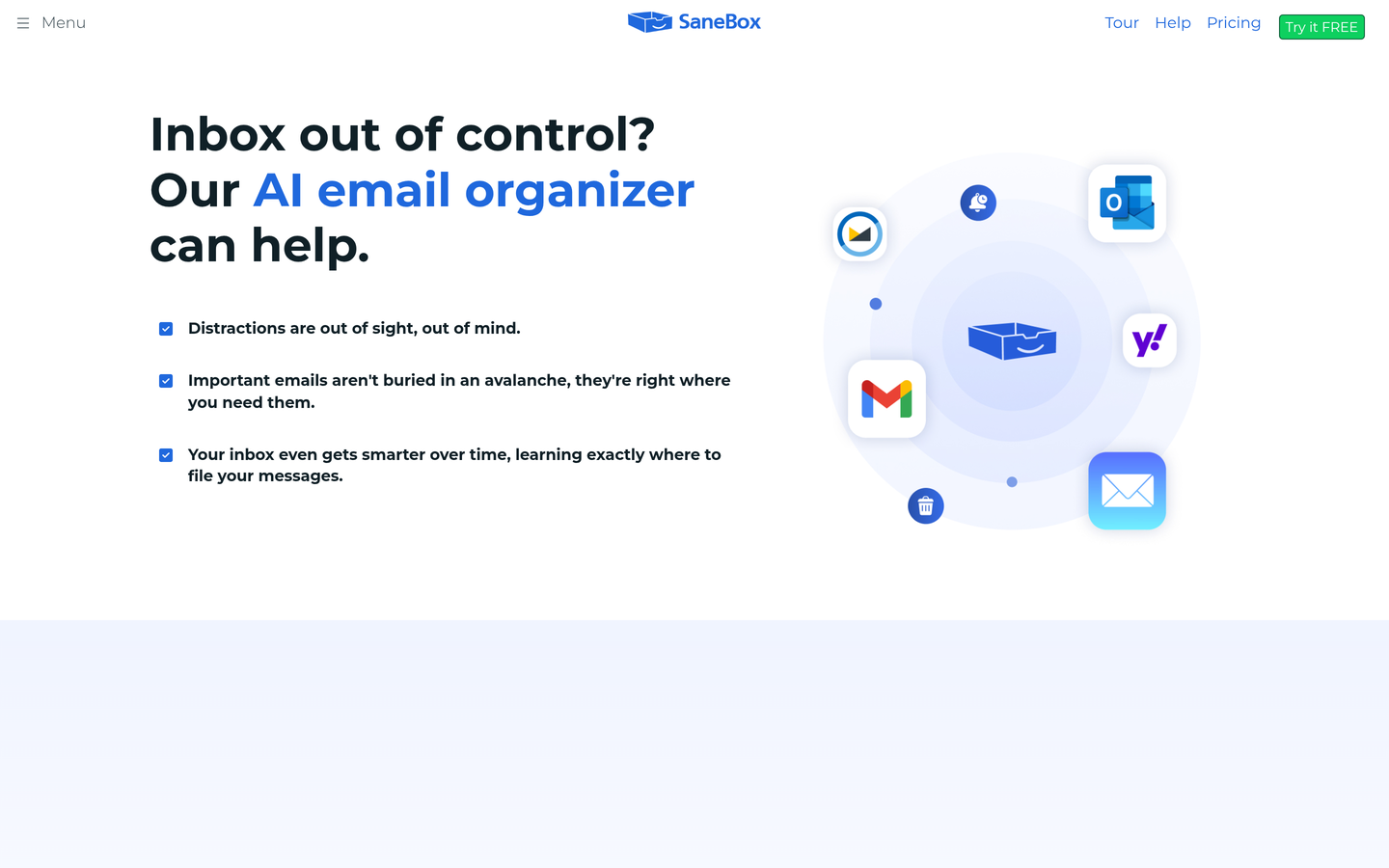
- Works with your existing email setup SaneBox works with Gmail, Microsoft 365, Apple iCloud, Yahoo, and any IMAP or Exchange account, and looks only at basics such as sender, subject line, and date, never storing full emails or attachments.
05
Common Use Cases
- Overflowing inbox triage Busy people with chaotic, overflowing inboxes can have mail prioritised automatically and focus first on what is most important.
- Newsletter and distraction control People buried in newsletters, promotions, and persistent senders can shelve newsletters in SaneNews and banish senders with SaneBlackHole.
- Follow-up-heavy email Anyone who depends on replies can use Reminders and SaneNoReplies Plus to track unanswered threads and follow up on time.
- Inboxes across many providers Users with Gmail, Microsoft 365, iCloud, Yahoo, or IMAP and Exchange accounts can manage them with the same sorting service.
06
SaneBox Pricing and Plans
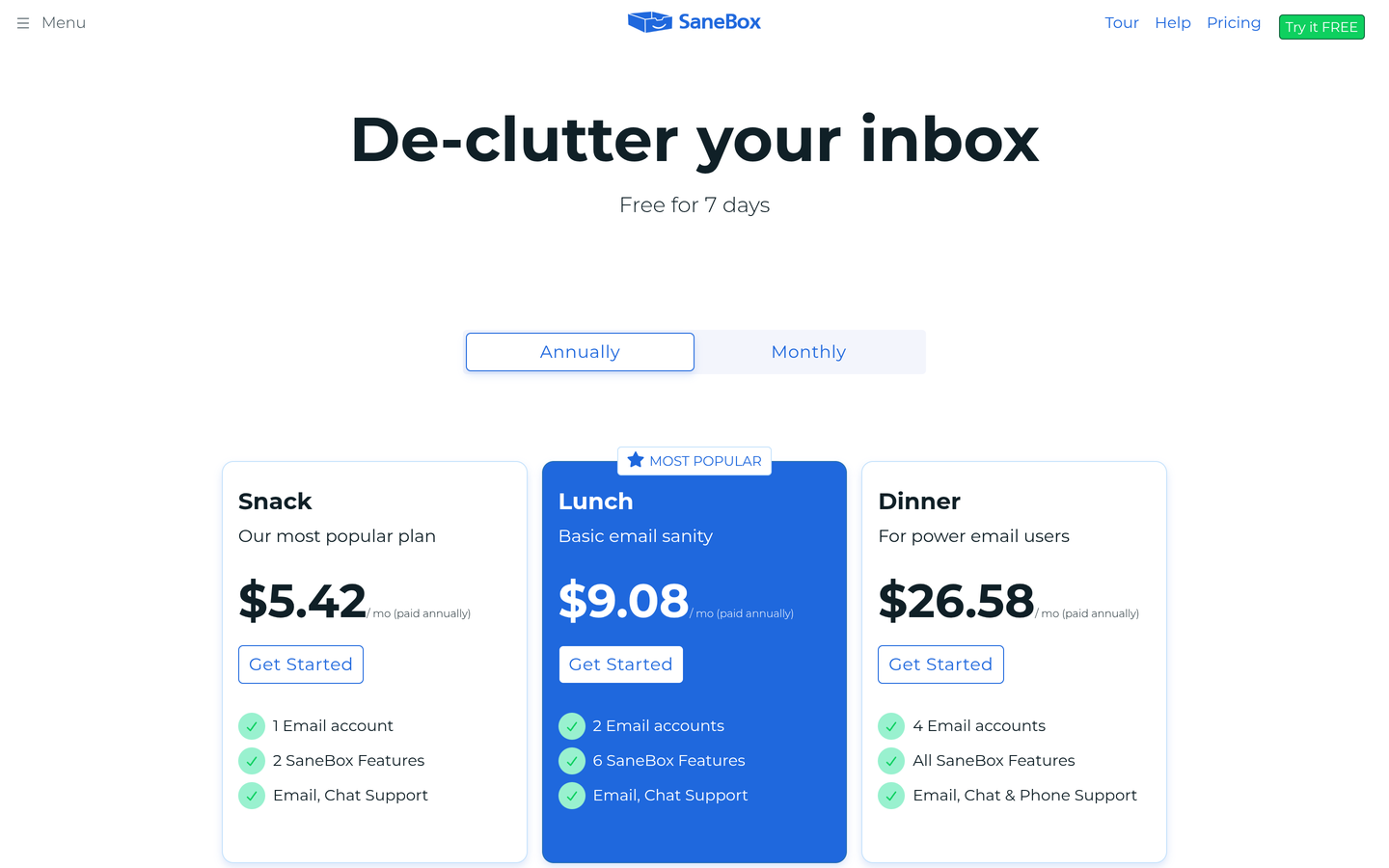
SaneBox offers Snack at $9.49 per month billed monthly ($5.42 per month billed annually) for 1 email account and 2 features, Lunch at $15.99 ($9.08 billed annually) for 2 accounts and 6 features, and Dinner at $42.99 ($26.58 billed annually) for 4 accounts and all features. Each plan includes a 7-day free trial, and no free tier is published.
Pricing checked Nov 14, 2026 — official pricing.
07
Frequently asked questions
Will SaneBox work with my email setup?
SaneBox works with Gmail, Microsoft 365, Apple iCloud, Yahoo Mail, and Fastmail, as well as any IMAP, Microsoft Exchange, or ActiveSync server.
How much is SaneBox?
SaneBox offers three main plans, Snack, Lunch, and Dinner, each with different features and email account limits. Each plan includes a 7-day free trial, and educational, non-profit, and government agencies can get a 25% discount on any plan.
Is it easy to cancel?
Yes. SaneBox provides a guided cancellation process, including choosing whether to keep or remove your Sane folders.
08
An Honest Review of SaneBox
What works well: SaneBox works across an unusually wide range of email providers, including Gmail, Microsoft 365, iCloud, Yahoo, and any IMAP or Exchange account, sorting mail into folders by importance before you open your inbox. Its Digest, BlackHole, Snooze, and Reminders features cover the everyday work of taming an overflowing inbox, and the AI Bundle adds drafts, summaries, and one-line Digest summaries.
Where it could improve: Lower tiers are narrow: Snack covers 1 email account with 2 features and Lunch covers 2 accounts with 6 features, so the full feature set requires the Dinner plan. There is no free tier, only a 7-day free trial. Its scope is also deliberately narrow, sorting and managing mail in folders within your existing email service rather than replacing your email client.
Who is it best for: Busy professionals with overflowing inboxes who want incoming mail automatically sorted by importance across Gmail, Microsoft 365, iCloud, Yahoo, or IMAP and Exchange accounts, without switching email apps.
Facts
At a glance
- Website
- www.sanebox.com
- Pricing
- Free trial
- Category
- Listed
- Nov 2026
- Pricing checked
- Nov 14, 2026 (official pricing)
Visit SaneBox ↗
www.sanebox.com
Keep exploring