

In short: Shortwave is best for Gmail and Google Workspace teams who want an AI email client that organises, drafts, searches, and schedules mail in one inbox. It costs $30 to $120 per seat per month, with Business, Premier, and Max plans and a 14-day free trial. Its main alternative is Fyxer.
Pricing checked Nov 13, 2026 — official pricing.
Product preview
Screenshots
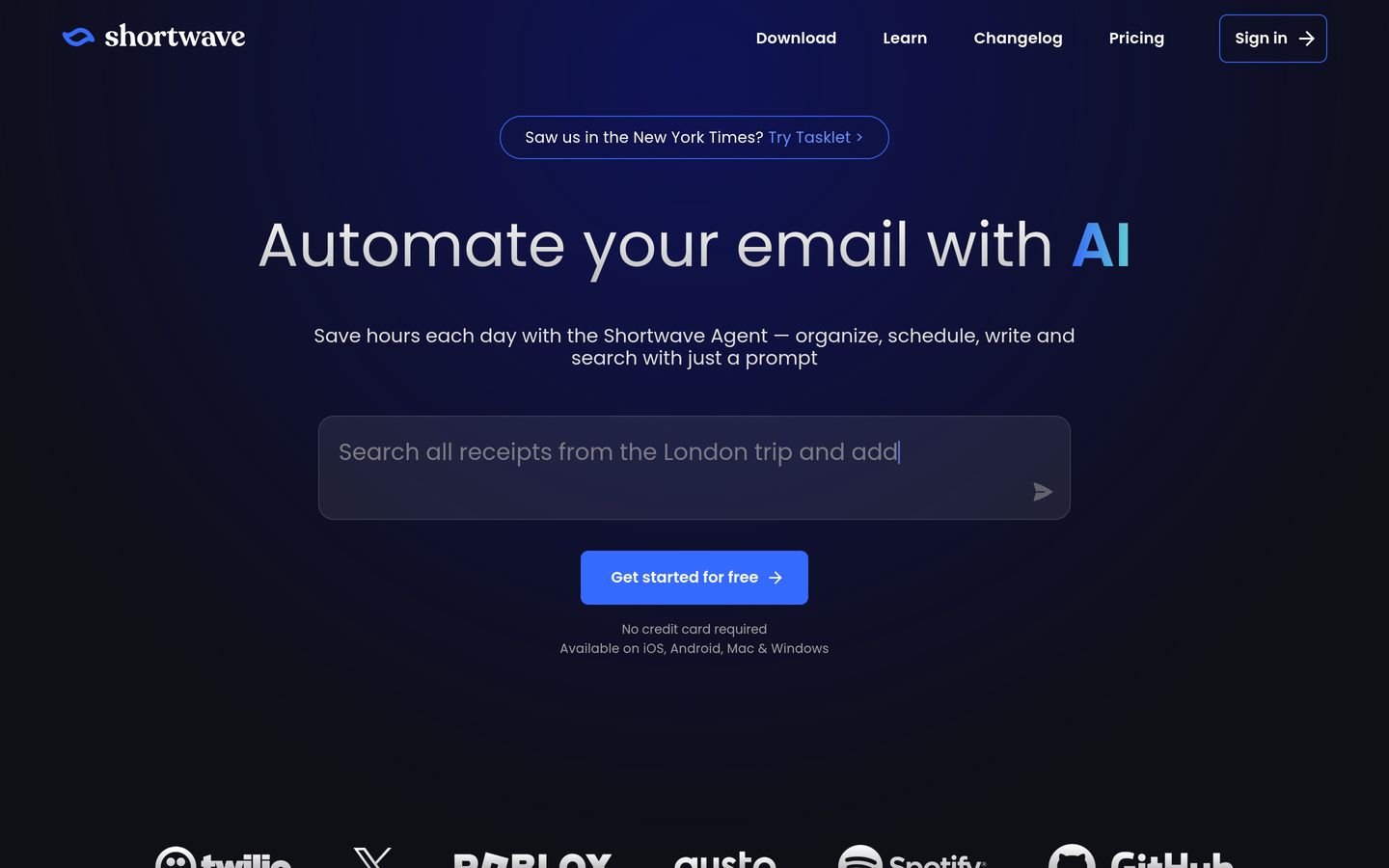
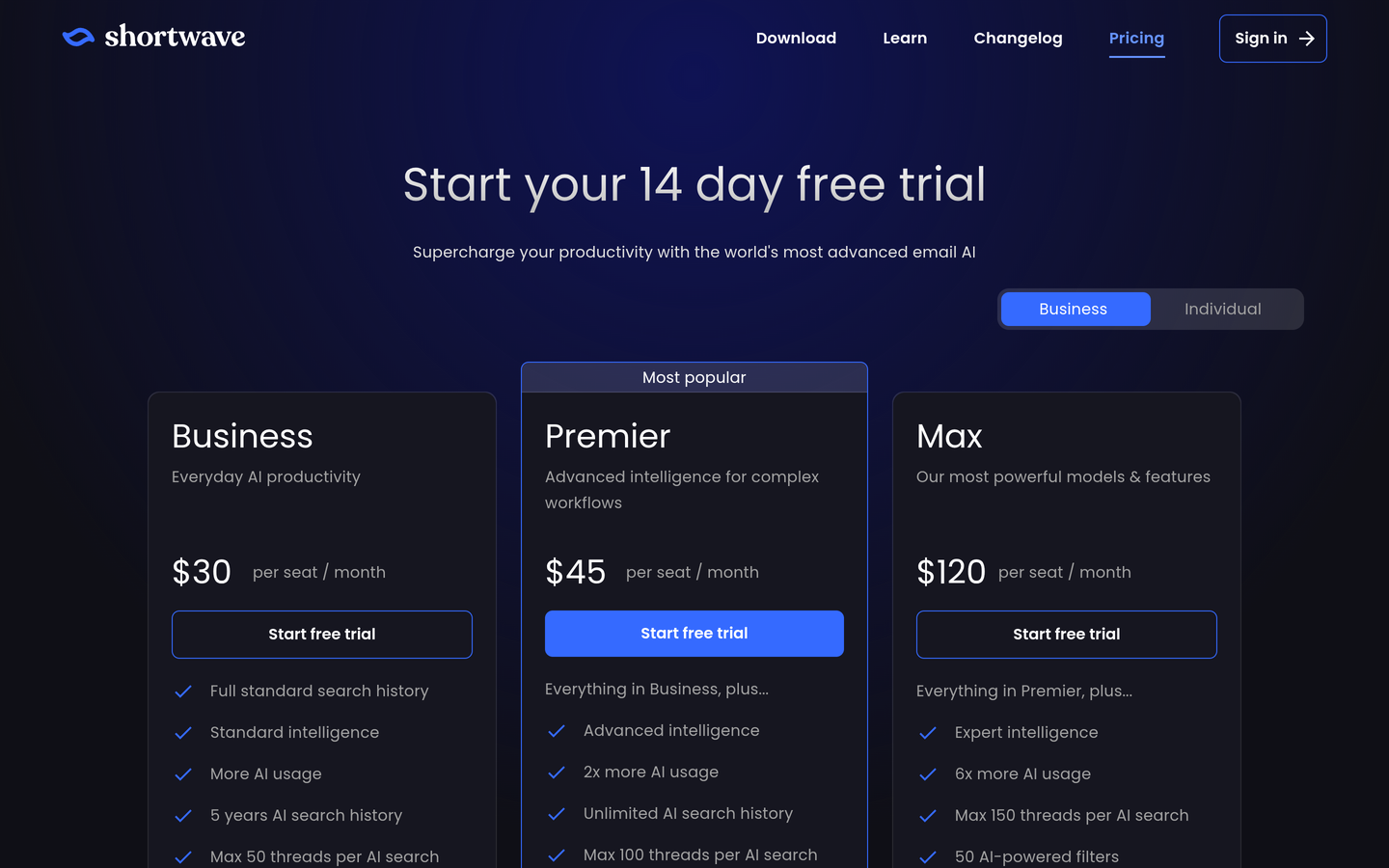
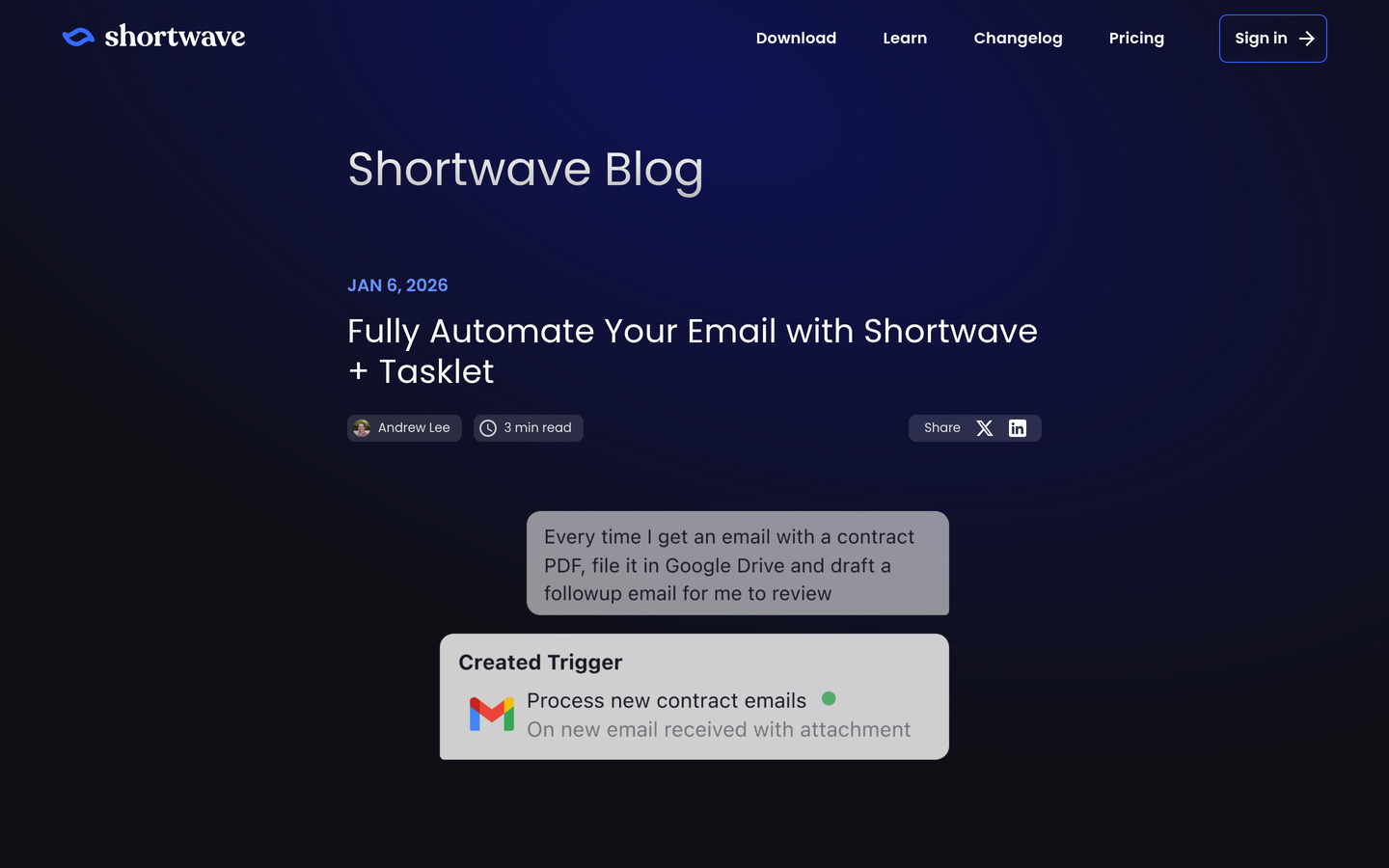
01
About Shortwave
Shortwave is an AI email assistant that automates your inbox — it organizes, schedules, writes, and searches email with a single prompt. Its AI learns your writing style to draft replies that sound like you, filters and triages mail with plain-English rules, and connects to Slack, Calendar, Notion, Asana, and HubSpot so teams can collaborate on shared threads without leaving the inbox.
Hellasi is reader-supported. Some outbound links are affiliate links; if you sign up we may earn a commission at no extra cost to you. Listings are curated, not paid placements.
02
Key Features of Shortwave
- AI email assistant The AI assistant helps organise mail, draft replies, search for answers, and handle scheduling from inside the inbox.
- Plain-English AI filters Custom AI filters written in plain English automatically label, star, archive, and act on incoming mail.
- Writing in your voice The AI learns your writing style from the emails you send so its drafts sound like you.
- AI-powered search AI search finds emails quickly and can analyse your team's emails and attachments to answer questions.
- Split inbox and bundles The inbox can be split into tabs for important mail, senders, labels, or custom queries, and related mail can be grouped into bundles for bulk triage.
- Emails as todos Emails can be turned into todos that can be grouped, renamed, prioritised, and annotated right in the inbox.
- Team collaboration Teams can share live threads that update in real time, comment privately on emails, and assign clear owners with a team-wide done status.
- App integrations The AI connects to Slack, Calendar, Notion, Asana, and HubSpot so workflows can be automated without leaving the inbox.
03
How Shortwave Works
- Sign in with Gmail Shortwave requires a Gmail or Google Workspace account to sign in, and mail from other providers can be brought in by forwarding it to a Gmail account.
- Organise the inbox Split the inbox into tabs, group promotions and newsletters into bundles, and set up AI filters to label, archive, or star mail automatically.
- Draft and schedule with AI Ask the AI to draft replies in your voice, check your availability, create calendar events, and write scheduling emails.
- Collaborate on threads Share live threads with teammates, discuss them with private comments, and assign next steps so everyone can see progress.
- Search for answers Use AI-powered search to find emails fast or to analyse team emails and attachments for the answers you need.
04
Key Benefits of Shortwave
- Less time triaging Bundles, splits, and AI organisation help important mail stand out and low-priority mail get swept away, so reaching inbox zero takes less time.
- Faster replies that sound like you Drafts and autocomplete draw on your own writing style and email history, reducing the time spent writing replies from scratch.
- Teamwork without leaving the inbox Shared threads, private comments, and assignees keep the whole team on the same page without pasting screenshots into chat tools.
- Answers from email history AI search can pull answers from across team emails and attachments instead of requiring manual searching through old threads.
05
Common Use Cases
- Team inbox collaboration Teams that handle shared mail can share live threads, comment privately, and assign owners with a shared done status.
- High-volume Gmail triage People with overflowing Gmail inboxes can use splits, bundles, and AI filters to separate important mail from promotions and newsletters.
- Scheduling-heavy email Users who arrange many meetings by email can ask the AI to check availability, create events, and write scheduling messages.
- Searching team email history Teams can ask questions and have the AI analyse their shared emails and attachments for answers.
06
Shortwave Pricing and Plans
Shortwave lists three plans: Business at $30, Premier at $45, and Max at $120 per seat per month. A 14-day free trial is offered, and no free tier is listed on the pricing page. Higher tiers add more AI usage, more AI-powered filters, and longer AI search history.
Pricing checked Nov 13, 2026 — official pricing.
07
Frequently asked questions
Does Shortwave work with Outlook or Microsoft 365?
No. Shortwave requires a Gmail or Google Workspace account to sign in, and Microsoft 365 and Exchange accounts are not supported. Mail from other providers can be used by forwarding it to a Gmail account.
How much AI usage is included?
The Business plan allows roughly 150 to 300 Standard-intelligence AI requests per day, depending on request complexity and the intelligence level selected. Premier offers twice as much AI usage and Max offers six times as much.
Can I use Shortwave with more than one Gmail account?
Yes. Shortwave supports multiple accounts, so you can quickly switch between Gmail accounts on any device.
08
An Honest Review of Shortwave
What works well: Shortwave packs a wide range of AI automation into one Gmail client, including plain-English filters, voice-matched drafting, AI search across team emails and attachments, and real-time team collaboration on shared threads. Its splits, bundles, and email-to-todo features give heavy Gmail users several ways to triage a busy inbox.
Where it could improve: Shortwave requires a Gmail or Google Workspace account, and Microsoft 365 and Exchange accounts are not supported, so Outlook-based teams cannot use it directly. AI usage is capped by tier, with the Business plan limited to 3 AI-powered filters and roughly 150 to 300 Standard-intelligence requests per day. Round-the-clock workflow automation runs through Shortwave's sister product Tasklet rather than inside Shortwave itself.
Who is it best for: Gmail and Google Workspace teams and heavy email users who want an AI email client that organises, drafts, searches, and schedules mail, with built-in team collaboration.
Facts
At a glance
- Website
- www.shortwave.com
- Pricing
- Free trial
- Category
- Listed
- Nov 2026
- Pricing checked
- Nov 13, 2026 (official pricing)
Visit Shortwave ↗
www.shortwave.com
Keep exploring